Guide
How to Build a Product Catalog for Scientific Instruments
A scientific product catalog is only as good as the data behind it. Before choosing templates or plugins, decide how your products are described. This guide walks through the steps we use to turn brochures and spreadsheets into a catalog that buyers can search, filter and compare.
1. Audit what you have
Export everything you have about your products: ERP item lists, spreadsheets, PDF datasheets and the current website. Take a sample of products from every family and list the attributes each one uses.
You will usually find the same value written in several ways, missing units and attributes that only exist in a brochure. That list becomes your clean-up plan.
2. Define attributes per product family
Create an attribute dictionary for each family. A centrifuge needs maximum speed, maximum RCF, rotor types, capacity and temperature range. A balance needs capacity, readability and calibration type. A spectrophotometer needs wavelength range and bandwidth.
For each attribute, fix the unit, the allowed values and whether buyers should be able to filter by it.
3. Handle variants properly
Voltage, rotor configuration, pack size and purity are usually variants of one product, not separate products. Each variant keeps its own SKU, price and stock, but they share one page.
This avoids dozens of near-identical pages competing with each other in search, and it makes the catalog easier to maintain.
4. Make products findable by identifier
Professional buyers often know exactly what they want. Search should match catalog numbers, model names, partial SKUs and, for chemicals and reagents, CAS numbers, even with spacing differences or small typos.
5. Connect documents
Store datasheets, manuals, application notes, SDS and certificates of analysis once, and link them to products and lot numbers. Replacing a file should update it everywhere it appears.
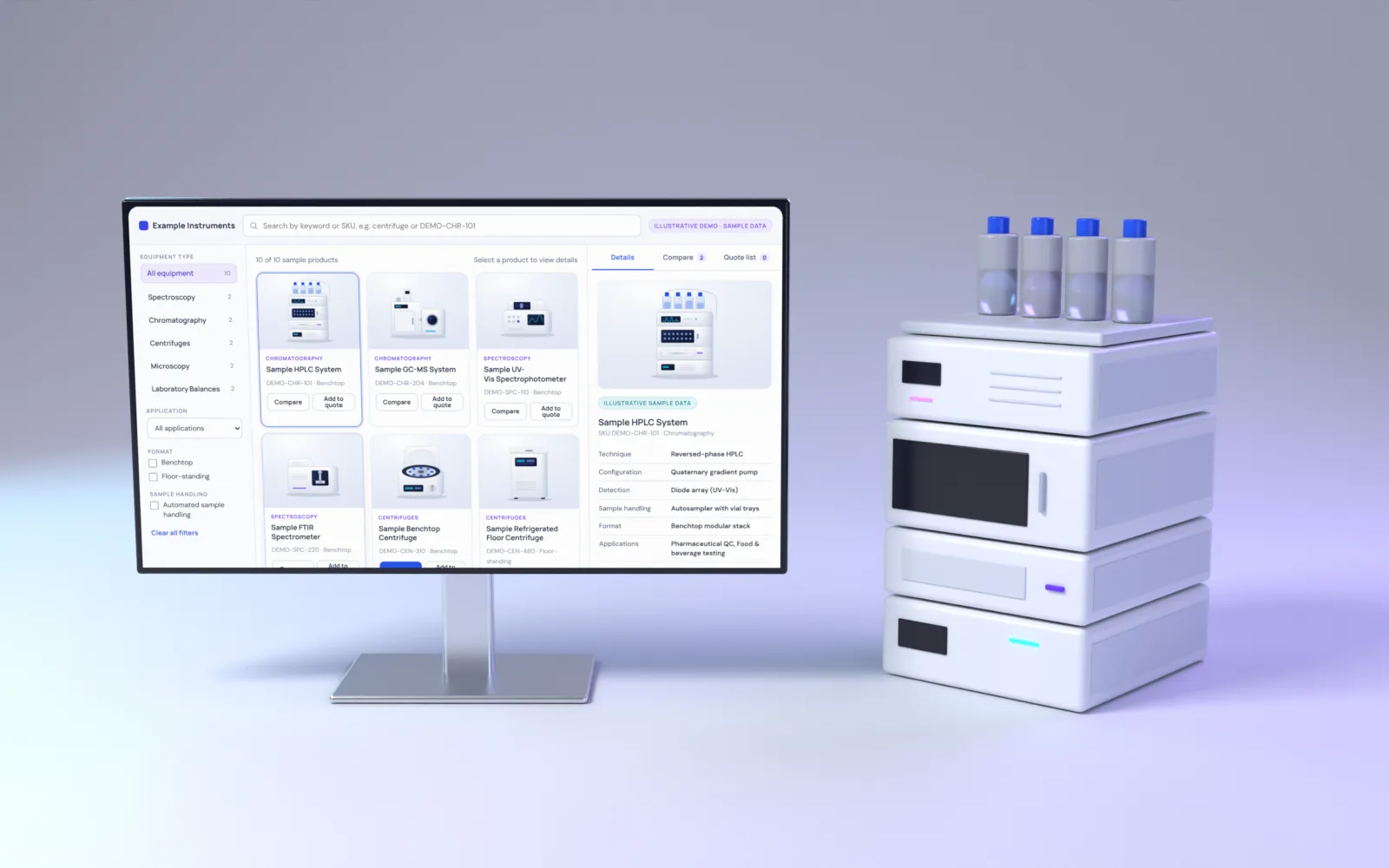
6. Build filters and comparison
Filters should come from the attribute dictionary, not from guesswork. Comparison tables should highlight the values that differ between products and stay readable on smaller screens.
7. Keep faceted navigation search-friendly
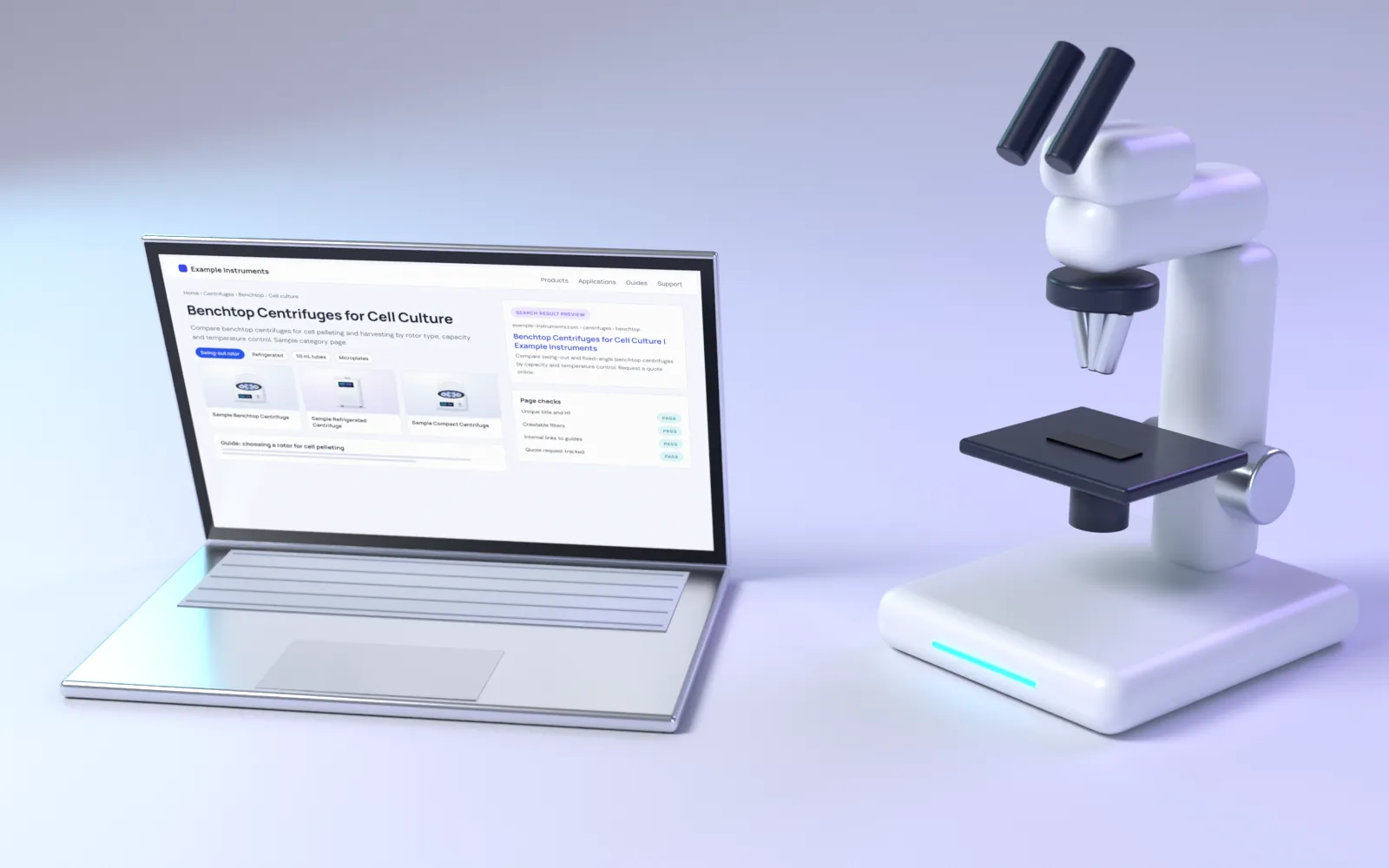
Filters can create thousands of URL combinations. Decide which combinations deserve their own indexable page, such as benchtop refrigerated centrifuges, and keep the rest out of the index with canonical tags or parameter handling.
8. Plan maintenance
Decide who owns product data after launch and where it is edited: in the website, a PIM or the ERP. A short editor guide and validation rules keep the catalog clean as it grows.
More guides
48 points we check on every laboratory equipment website: navigation, product data, documents, quote routes, B2B buying, trust and SEO. Use it to audit your own site in 20 minutes.